Setting the Icon and Name of a Mission Snapshot (for System Applications Only)
Setting a unique icon and name for each mission snapshot of an application helps you better manage the missions and functions of the application.
By default, the icon and label fields in the abilities tag of the module.json5 file are used to set the icon and label.
Figure 1 Mission snapshot of a UIAbility
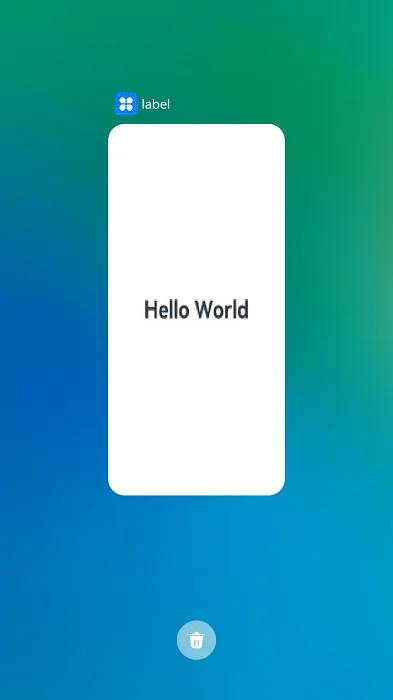
You can also use UIAbilityContext.setMissionIcon() and UIAbilityContext.setMissionLabel() to customize the icon and name for a mission snapshot. For example, for a UIAbility instance in multiton mode, you can configure the icon and name for each mission snapshot based on different functions.
This document describes the following operations:
Setting a Mission Snapshot Icon (for System Applications Only)
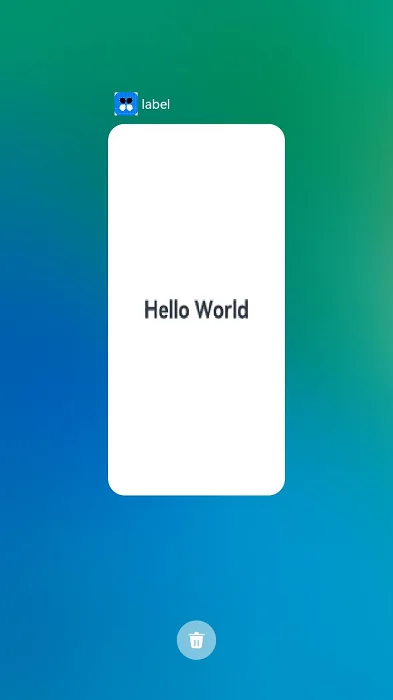
Call UIAbilityContext.setMissionIcon() to set the icon of a mission snapshot.
For details about how to obtain the context, see Obtaining the Context of UIAbility. For details about how to obtain the PixelMap information in the example, see Image Decoding.
import { common } from '@kit.AbilityKit';
import { BusinessError } from '@kit.BasicServicesKit';
import { hilog } from '@kit.PerformanceAnalysisKit';

const TAG: string = 'EntryAbility';
const DOMAIN_NUMBER: number = 0xFF00;

// ...
let context: common.UIAbilityContext = this.context; // UIAbilityContext

// ... // Obtain a pixelMap object.

// Set an icon for the mission snapshot.
context.setMissionIcon(pixelMap, (err: BusinessError) => {
  if (err.code) {
    hilog.error(DOMAIN_NUMBER, TAG, `Failed to set mission icon. Code is ${err.code}, message is ${err.message}`);
  } else {
    hilog.info(DOMAIN_NUMBER, TAG, `Success to set mission icon.`);
  }
})
The display effect is shown below.
Figure 2 Mission snapshot icon
Setting a Mission Snapshot Name
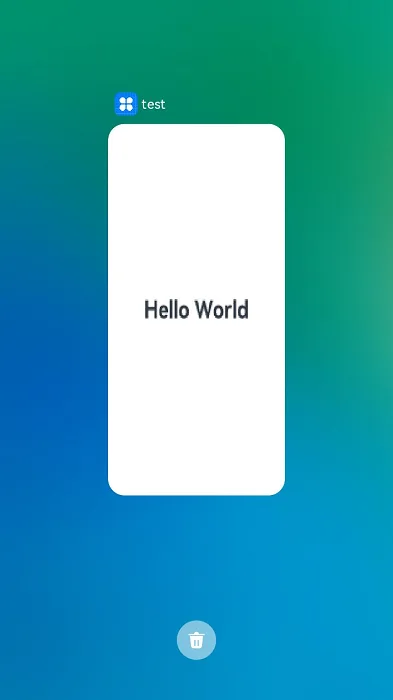
Call UIAbilityContext.setMissionLabel() to set the name of a mission snapshot.
import { common } from '@kit.AbilityKit';
import { BusinessError } from '@kit.BasicServicesKit';
import { hilog } from '@kit.PerformanceAnalysisKit';

const TAG: string = 'EntryAbility';
const DOMAIN_NUMBER: number = 0xFF00;

// ...
let context: common.UIAbilityContext = this.context; // UIAbilityContext
// Set a name for the mission snapshot.
context.setMissionLabel('test').then(() => {
  hilog.info(DOMAIN_NUMBER, TAG, 'Succeeded in setting mission label.');
}).catch((err: BusinessError) => {
  hilog.error(DOMAIN_NUMBER, TAG, `Failed to set mission label. Code is ${err.code}, message is ${err.message}`);
});
The display effect is shown below.
Figure 3 Mission snapshot name
你可能感兴趣的鸿蒙文章
openharmony 鸿蒙 create-pageability
openharmony 鸿蒙 lifecycleform-switch
openharmony 鸿蒙 mission-management-launch-type-sys
openharmony 鸿蒙 bind-serviceability-from-stage
openharmony 鸿蒙 lifecycleservice-switch
openharmony 鸿蒙 pageability-launch-type
openharmony 鸿蒙 pageability-overview
openharmony 鸿蒙 uiserviceextension-sys